Overview
Turning 3D figures into images that we can visualize on a 2D screen is something that has fascinated me recently. After a bit of exploring, it seemed like learning some OpenGL would be a good way to understand this a bit better. What I found out is that OpenGL is very challenging yet rewarding, but also acts as a blackbox in some ways, doing the math and transformations for you. This would lead me to developing my own simple graphics renderer in a different project, but here I was able to learn some of the basics, and cumulated my project with a spinning sphere that changed between a cat and a dog on its face as it spun!
Starting Out
OpenGL learning typically starts with getting a triangle onto the screen, and the tutorials will tell you that that's the hardest part - a half truth. Yes, setting up all the dependencies to render and display graphics was challegning, but the challenges (and fun) did not stop there. Over the course of the month that I worked on this project (even something seemingly simple like a sphere can take a long time to get working when you're new to OpenGL) I felt I learned a lot about how computers render 3D graphics. No, I may not have been fully familiar with the implementations and optimizations that handle the 3D transforms, but I certainly had a good grasp and intuitive understanding.

Diving Deeper
After rasterizing images onto 2D shapes, and doing some 2D tranforms with them, I moved onto the meat of the project: 3D shapes. This began with a cube and set the stage for what I really wanted: a planet! With OpenGL, you feed the graphics card information, and then it renders it for you, simple right? Well yes, but actually no.
The process is to create vertices with attributes, such as positions and colors, and then get them to the screen. I figured a sphere would be neat, as I'd would have to render many points in the right order to make it look right. Cubes just have eight vertices, while a sphere, like a circle, has many short lines, which when put together correctly give the illusion of roundness.
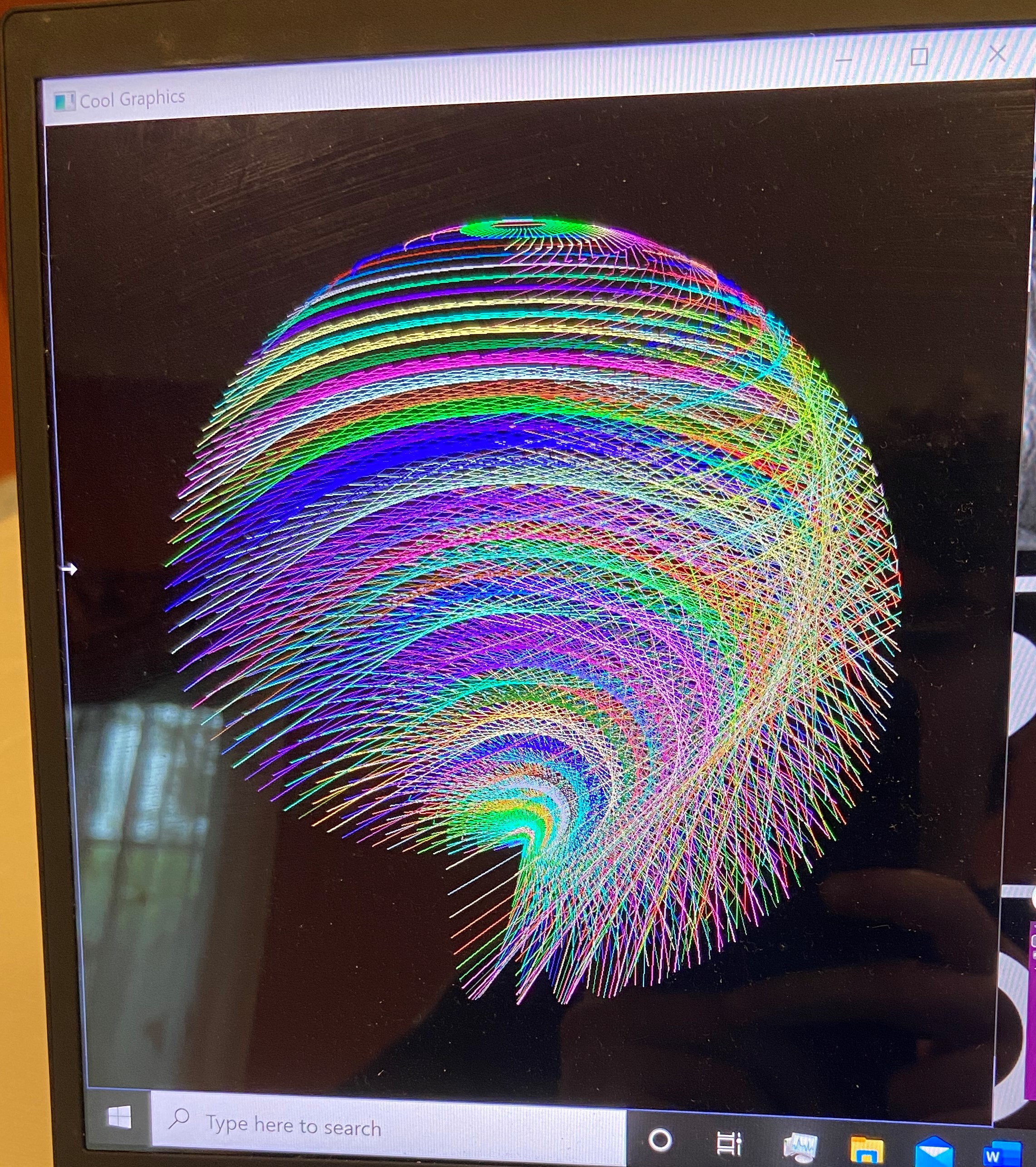
My approach was to generate points using spherical coordinates, and then to draw an image onto those set of points. Here is one of my earlier attempts to visualize the lines of a sphere; it looks cool but it definitely is not right.
And another one where I tried to make a solid sphere (not sure what happened in this one but the effect is nice).
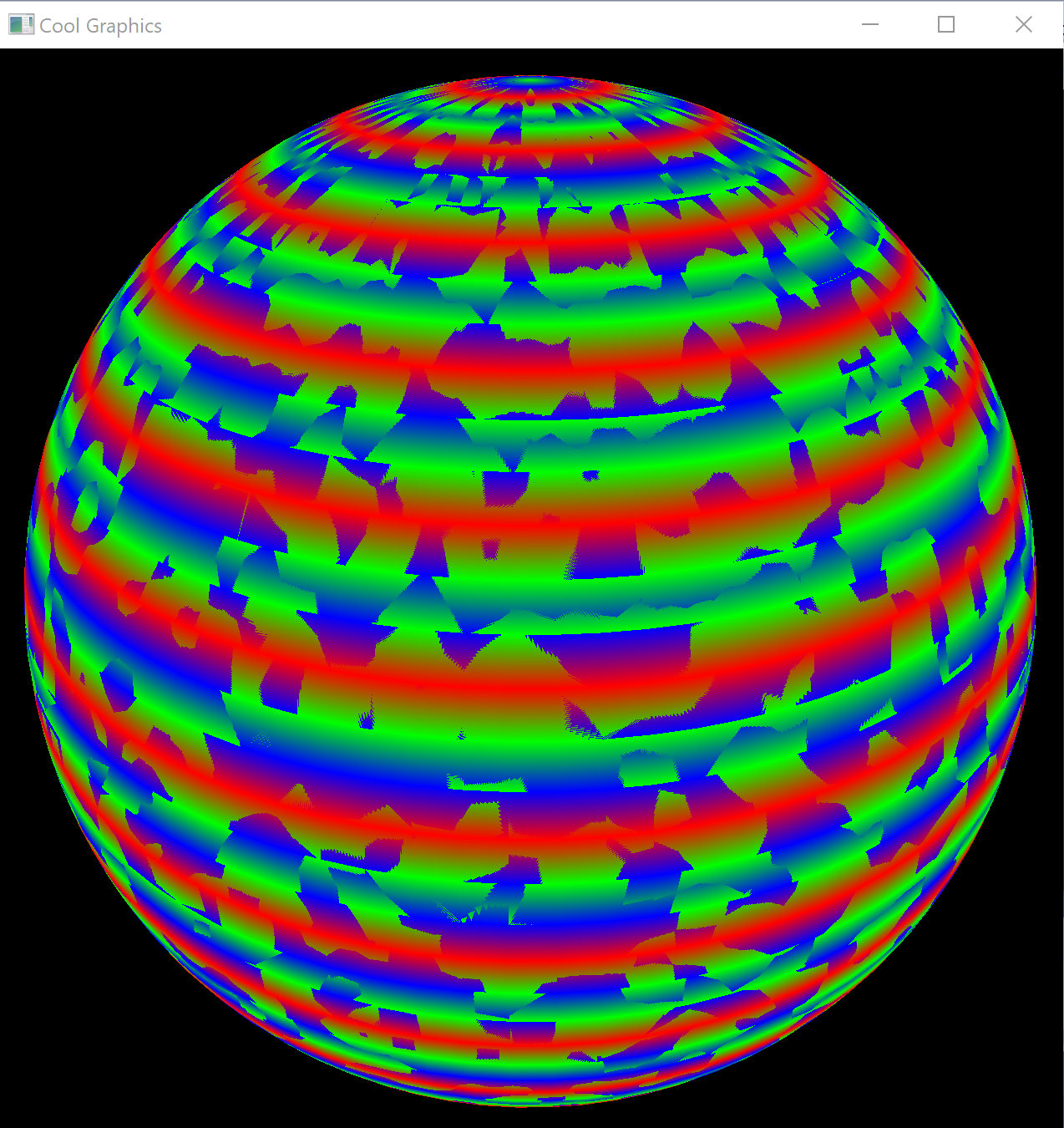
The issues were mostly due to math and logic errors on my part, so after some time, I got it looking like this (just one color this time).
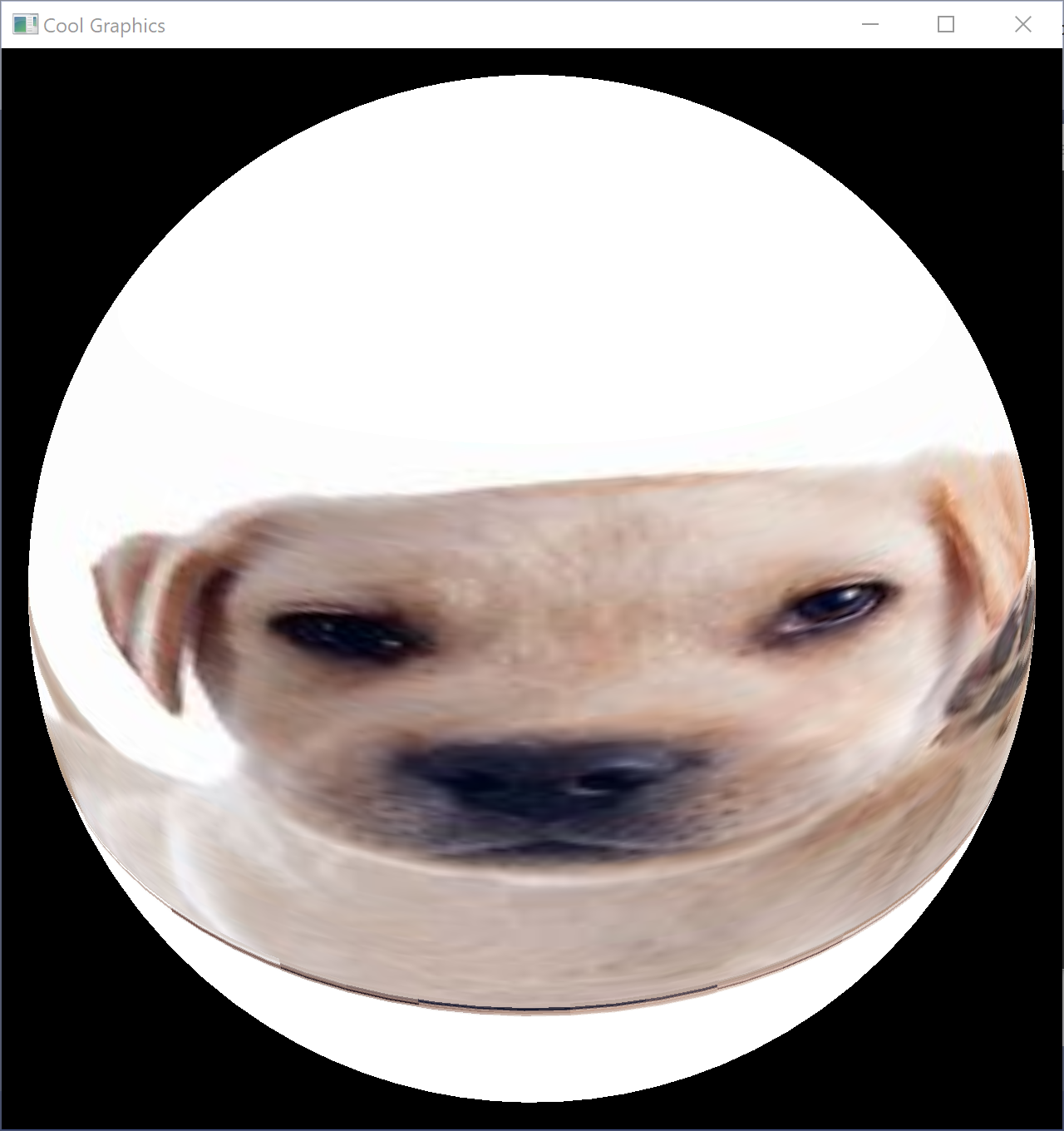
Looks pretty good. The next part was to assign sectors of an image to sectors on the sphere, so that the image could be wrapped around the sphere. It was very exciting when I got that working. I played around with different images at that point - planet earth, and cats and dogs naturally. I could spin it in any direction, zoom in or out on it, and even slowly change from an image to a cat to that of a dog!
